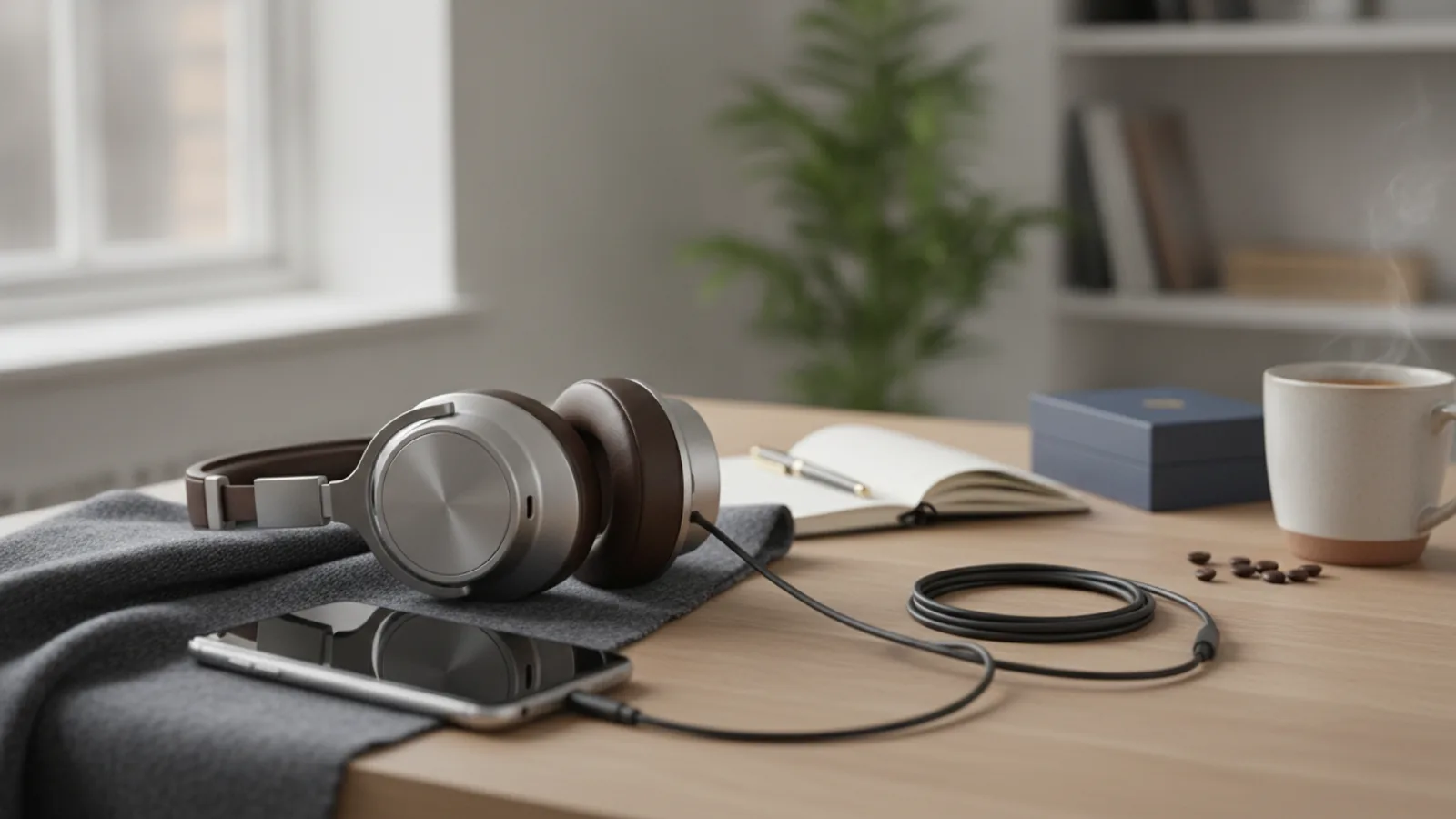
Bose Quietcomfort Ultra Headphones
A practical step-by-step guide to bose quietcomfort ultra headphones, including preparation, instructions, common issues, tips, and next steps.

Bose Quietcomfort Ultra Headphones
This guide explains how to approach bose quietcomfort ultra headphones, including the preparation, practical steps, common mistakes, and final checks that help you finish with confidence.
Before You Start
Before you dive into enjoying your Bose Quietcomfort Ultra Headphones, a little preparation ensures a smooth and effective setup. Gathering these essentials beforehand will help you activate all features without interruption.
Step-by-Step Instructions
Follow these precise steps to set up and get the most out of your Bose Quietcomfort Ultra Headphones. Each stage is designed to introduce you to their premium features and ensure a tailored listening experience.
Quick Reference
Common Problems When You Use Bose Quietcomfort Ultra Headphones
Even premium devices like the Bose Quietcomfort Ultra Headphones can occasionally encounter minor hiccups. Here are some common issues you might face and straightforward solutions to get you back to enjoying your audio.
Headphones Not Pairing or Connecting
This is a common issue that can usually be resolved quickly. If your headphones are not appearing in the Bose Music App or your device's Bluetooth settings, try these steps:
Poor Noise Cancellation Performance
If you feel the noise cancellation isn't as effective as it should be, consider these points:
Sound Quality Issues (Distortion, Low Volume, Imbalance)
Issues with sound quality can be frustrating. Here’s what to check:
Battery Draining Too Quickly
While the Bose Quietcomfort Ultra Headphones offer excellent battery life, rapid drainage can occur:
Firmware Update Stuck or Failing
Firmware updates are crucial but can sometimes encounter issues:
Advanced Tips for Bose Quietcomfort Ultra Headphones
Once you're comfortable with the basics, these advanced tips will help you unlock even greater potential from your Bose Quietcomfort Ultra Headphones, tailoring your audio experience to an even higher standard.
Mastering Immersive Audio
Immersive Audio is a unique feature that spatialises sound, making it feel like music is coming from outside your head, creating a more realistic and engaging listening experience. There are two modes within Immersive Audio:
Experiment with both in different scenarios to see which you prefer. Access and control Immersive Audio via the Bose Music App or by pressing and holding the multi-function button (the middle button on the right earcup) for about 2 seconds, then cycling through options with quick presses.
Customising EQ for Specific Genres
The Bose Music App's equaliser (EQ) allows for deep sound customisation. Instead of a 'one-size-fits-all' setting, create different EQ presets for various music genres or audio content:
Save these custom profiles in the app and switch between them as your listening habits change.
Optimising Multipoint Connection
The Bose Quietcomfort Ultra Headphones support multipoint connection, meaning they can be connected to two devices at once (e.g., your phone and your laptop). To get the most out of this:
Utilising Firmware Updates
Bose regularly releases firmware updates for the Quietcomfort Ultra Headphones. These updates aren't just for bug fixes; they often introduce new features, improve existing ones (like noise cancellation or battery efficiency), and enhance compatibility.
Staying current with firmware ensures you always have the best and most secure experience with your premium headphones.
Bose Quietcomfort Ultra Headphones FAQ
Here are answers to some of the most common questions about the Bose Quietcomfort Ultra Headphones, providing quick insights into their features and functionality.
How long does the battery last on a full charge?
On a full charge, the Bose Quietcomfort Ultra Headphones typically offer up to 24 hours of listening time with Immersive Audio off, and up to 18 hours with Immersive Audio on. This can vary slightly based on volume levels and specific feature usage.
Are the Bose Quietcomfort Ultra Headphones waterproof?
No, the Bose Quietcomfort Ultra Headphones are not waterproof. They are generally considered splash-resistant, meaning they can handle light sweat or a light drizzle, but they should not be submerged in water or exposed to heavy rain.
Can I use them with a wired connection?
Yes, you can. The Bose Quietcomfort Ultra Headphones come with an audio cable that allows you to connect them to devices with a 3.5mm headphone jack. This is particularly useful for in-flight entertainment systems or when you prefer a wired connection, or if your battery runs out.
How do I reset my Bose Quietcomfort Ultra Headphones?
To perform a soft reset, press and hold the Power/Bluetooth button and the multi-function button (the middle button on the right earcup) simultaneously for 15 seconds. The headphone's status light will blink and then turn solid white, indicating the reset is complete. This can often resolve minor software glitches.
What is the CustomTune technology?
CustomTune technology is Bose's proprietary feature that calibrates the audio performance and noise cancellation specifically to the unique shape of your ears. When you wear the headphones, CustomTune analyses your ear canal acoustics by emitting a tone, then optimises both sound quality and noise reduction for a truly personalised and immersive experience.
Can I use them for gaming?
While the Bose Quietcomfort Ultra Headphones offer excellent sound quality and comfort, they are primarily designed for music listening and calls. For serious competitive gaming, headphones specifically designed for gaming often offer lower latency and dedicated gaming features that the Quietcomfort Ultra may not match. However, for casual gaming, they provide a premium audio experience.
Do they support Google Fast Pair or Apple's similar quick pairing?
The Bose Quietcomfort Ultra Headphones generally rely on standard Bluetooth pairing, guided by the Bose Music App. While they offer a straightforward pairing process, they do not natively support Google Fast Pair or Apple's quick pairing features that instantly connect to your ecosystem without manual pairing.
Final Checklist for Bose Quietcomfort Ultra Headphones
Before you embark on your premium listening journey, run through this final checklist to ensure your Bose Quietcomfort Ultra Headphones are perfectly set up and ready to deliver the exceptional experience you expect. A few moments now will save potential interruptions later.
By ensuring each of these points is addressed, you're all set to immerse yourself in the world-class sound and silence that your Bose Quietcomfort Ultra Headphones are designed to deliver. Enjoy your premium audio experience!